How to Check Domain Availability (and What to Do If It's Taken)
By Ashish Pratap · Sep 28, 2026 · 4 min read
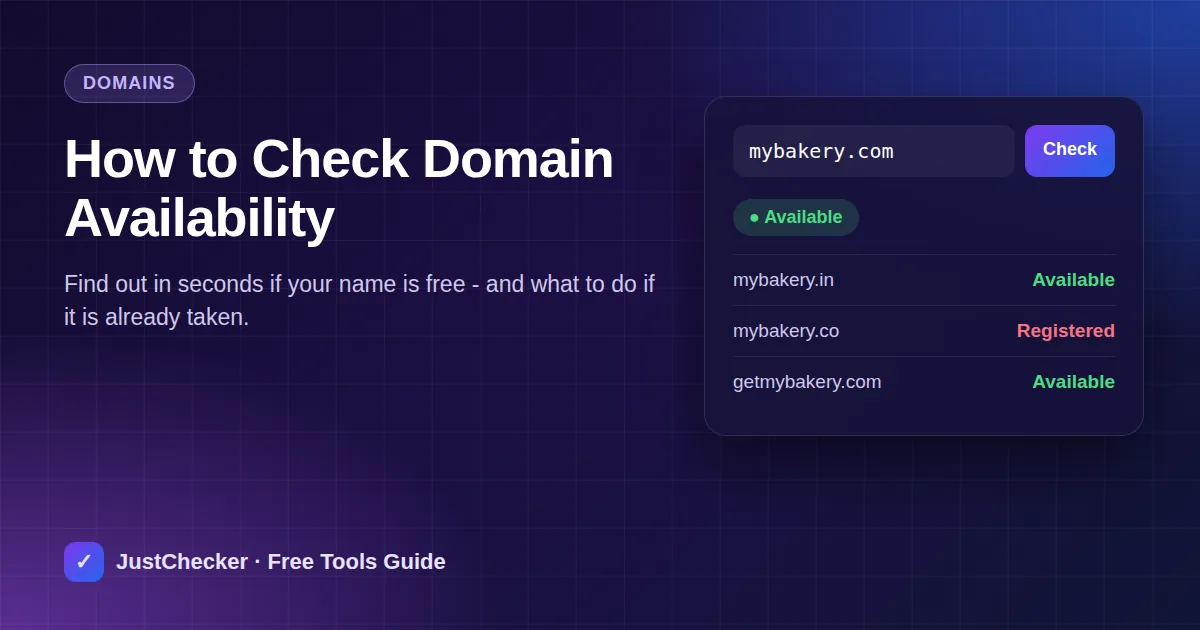
Every website starts with a name. Before you print business cards, design a logo or set up social profiles, you need to know one thing: is the domain name actually available? In this guide you'll learn how to check domain availability in a few seconds, how to read the result correctly, and exactly what to do next in either case.
What does "domain availability" mean?
A domain name like yourbrand.com can be registered by only one person or company at a time. When nobody holds it, the domain is available and anyone can register it through a registrar. When somebody already holds it, it is registered (or "taken") until its owner lets it expire.
Registration data is published by the registry for each extension (.com, .net, .in, .io and so on) through two public systems:
- WHOIS - the classic lookup protocol that shows the registrar, dates and nameservers.
- RDAP - the modern, structured replacement for WHOIS used by most registries today.
If neither system returns a record for a name, it is almost always free to register.
How to check if a domain is available (step by step)
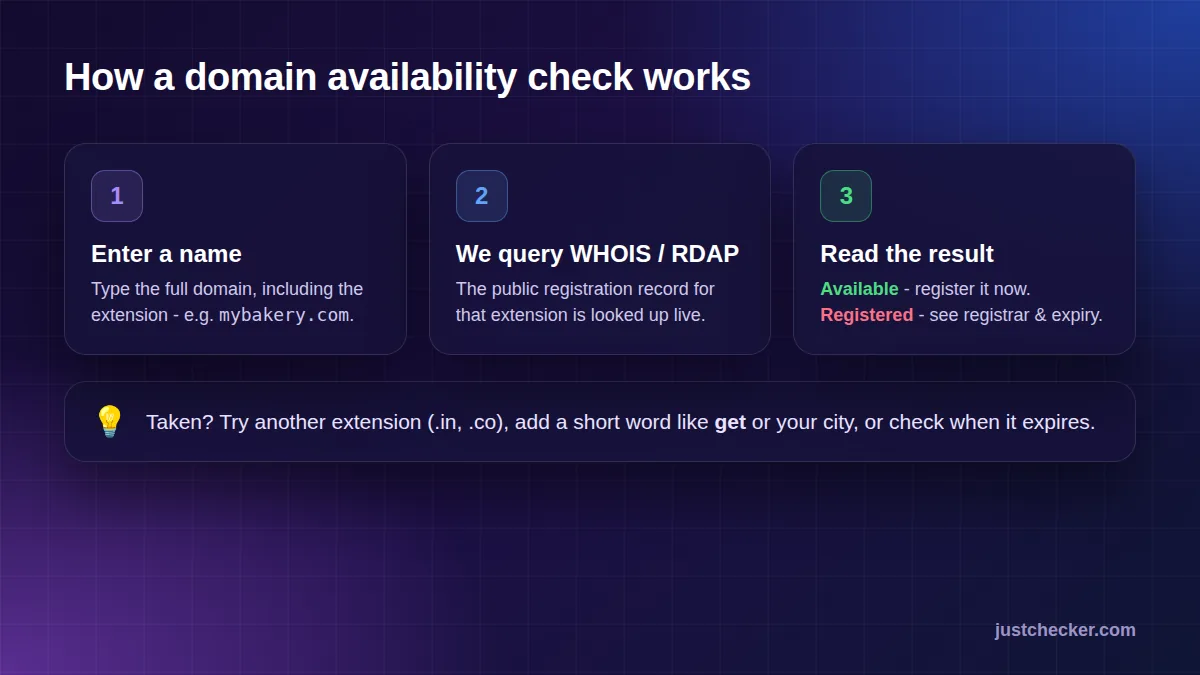
- Open the free Domain Availability Checker.
- Type the full domain you want, including the extension - for example mybakery.com.
- Click Check Availability. The tool queries the public WHOIS/RDAP data for that extension.
- Read the result: Available or Registered, plus the registrar and expiry date when the name is taken.
Tips for choosing a good domain name
- Keep it short - under 15 characters is easy to type and remember.
- Avoid hyphens and numbers - they are hard to say out loud and easy to mistype.
- Prefer .com for international audiences, or a country extension like .in when you serve one market.
- Check trademarks so you don't build a brand on a name you'll have to give up later.
The domain is available - what next?
Good news - but don't wait. Short, memorable names are registered every minute, and a name that is free today can be gone tomorrow. Register it as soon as you are sure, and set up hosting at the same time so your site can go live immediately.
Buying the domain and hosting together is the simplest route for most new websites: you manage everything in one dashboard, DNS is configured automatically and SSL is switched on for you.
- Free domain*
- Free SSL
- 99.9% uptime
- 24/7 support
The domain is registered - what are your options?
A "Registered" result doesn't have to end your plans. Here's what you can do:
1. Try a different extension
If mybakery.com is taken, mybakery.in, mybakery.co or mybakery.shop might be free. Choose an extension that still makes sense for your audience.
2. Add a short word
Words like get, try, hq or your city often turn a taken name into an available one - mybakerypune.com or getmybakery.com.
3. Check when it expires
Use the Domain Expiry Checker to see when the current registration ends. If the owner doesn't renew, the name eventually becomes available again - but most active domains are renewed automatically.
4. Look up the current owner
The WHOIS / RDAP Lookup shows the registrar and, when not hidden by privacy protection, contact details. Some owners will sell a domain they are not using.
Common mistakes when buying a domain
- Searching on shady sites. Some sites watch searches and register popular names first. Use a trusted checker and register quickly.
- Forgetting renewal. Turn on auto-renew so you never lose the name by accident.
- Skipping WHOIS privacy. Without it, your personal details may be public and attract spam.
- Buying the domain but no hosting. A domain on its own shows nothing - you need hosting to put a website on it.
Frequently asked questions
Is checking domain availability free?
Yes. The JustChecker Domain Availability Checker is completely free and doesn't require an account.
Can someone steal a domain I searched for?
Our tool only reads public registration data and never reserves or sells names. Still, good names go fast, so register yours as soon as you decide.
Why does the tool say "may be available"?
Some registries publish limited data, and premium or reserved names can look free in public records. The registrar's checkout always has the final word.
Conclusion
Checking domain availability takes seconds: enter the name, read the result, and act fast. If it's available, register it together with hosting so your website can go live today. If it's taken, try another extension, tweak the name, or check when it expires - and keep your brand moving.