Is My Website Down? How to Check and Fix Website Downtime
By Ashish Pratap · Sep 26, 2026 · 4 min read
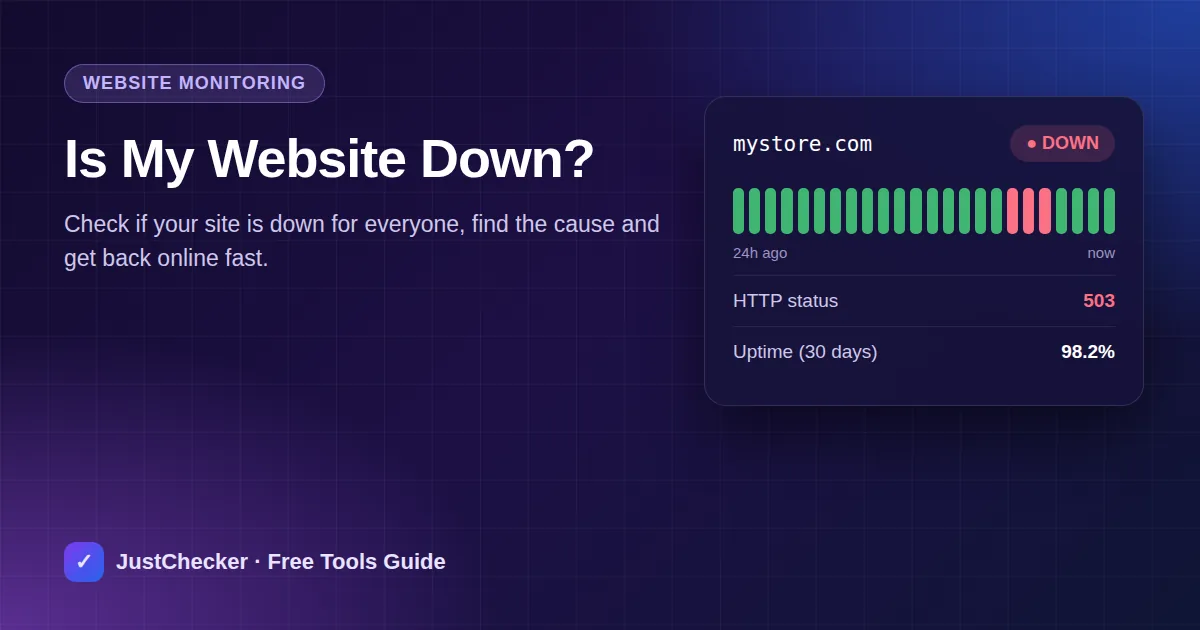
Few things are as stressful as opening your own website and seeing an error page. Every minute offline means lost visitors, lost sales and a worse impression on Google. The good news: most downtime has a handful of common causes, and you can usually find the right one in minutes. Here's how.
Step 1: Check if the website is down for everyone
First, rule out your own connection. Your Wi-Fi, office firewall or browser cache can make a healthy site look broken.
- Open the free Website Status Checker.
- Enter your domain and click Check Status.
- If the result is UP, the site works from the internet - the problem is on your side. Clear your cache, try mobile data or another browser.
- If the result is DOWN, visitors can't reach it either. Continue with the steps below.
Step 2: Read the error
The HTTP status code tells you where to look. Check it with the HTTP Status Checker.
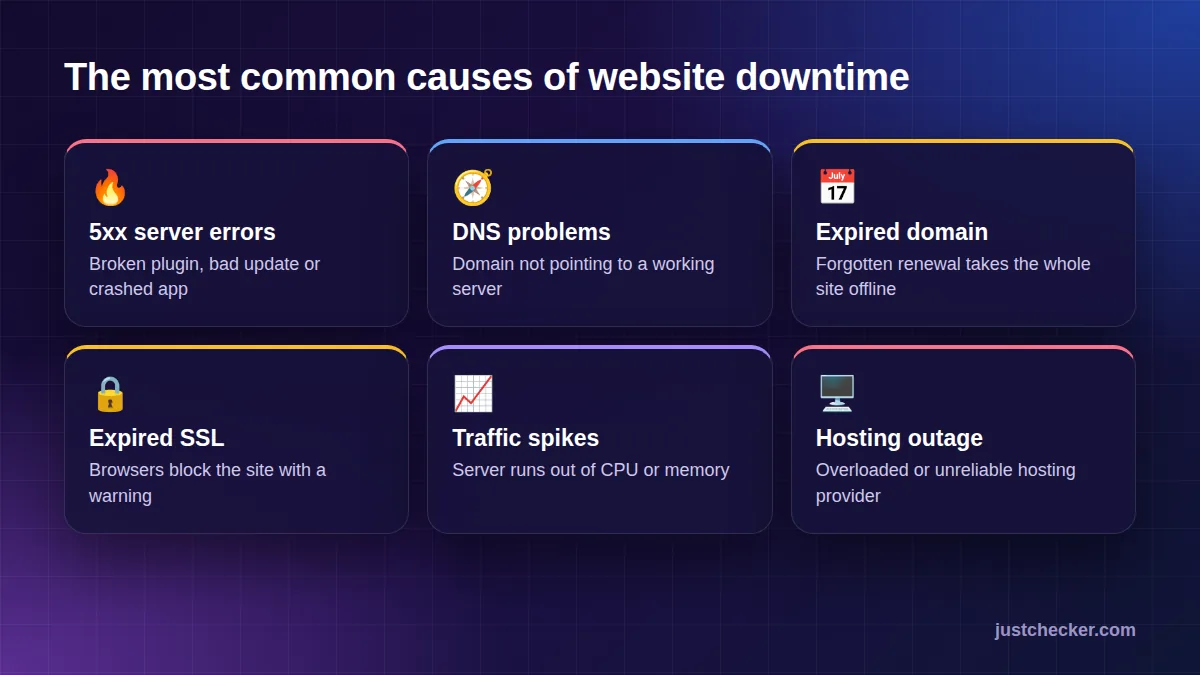
500 Internal Server Error
Something broke inside your website - often a faulty plugin, theme update or code change. Check your error logs and undo the last change.
502 / 503 / 504 errors
The server is overloaded, restarting or timing out. This is often a sign that your hosting plan can't handle your traffic, or that the host itself is having problems.
Site can't be reached / DNS error
The domain doesn't point to a working server. Check your records with the DNS Lookup tool and make sure nameservers weren't changed.
Security warning instead of the page
An expired SSL certificate makes browsers block your site. Check it with the SSL Checker.
Step 3: Check the things that expire
A surprising amount of downtime comes from forgotten renewals:
- The domain - check it with the Domain Expiry Checker.
- The SSL certificate - check it with the SSL Expiry Checker.
- The hosting plan - an unpaid invoice can suspend your account.
Step 4: Contact your host
If your code, DNS, domain and SSL all look fine, the problem is almost certainly the server. Open a ticket with your hosting provider and include the time the outage started and the error you see.
If this is happening again and again, it isn't bad luck - it's your hosting. Cheap, overloaded servers are the number-one reason small websites go down.
- Free domain*
- Free SSL
- 99.9% uptime
- 24/7 support
How to prevent downtime in the future
- Monitor your site automatically. An uptime monitor checks your site every few minutes and alerts you the moment it goes down - often before customers notice. JustChecker monitoring does exactly this.
- Turn on auto-renew for your domain, SSL and hosting.
- Keep backups so you can roll back a bad update in minutes.
- Update carefully. Test plugin and theme updates on a staging copy first.
- Choose reliable hosting with enough resources for your traffic and a real uptime guarantee.
Frequently asked questions
How much downtime is normal?
A 99.9% uptime guarantee allows roughly 43 minutes of downtime a month. Good hosts do better than that in practice.
Does downtime hurt SEO?
Short outages rarely matter, but repeated or long downtime can cause Google to crawl less often and drop pages from results.
Why is my site down only for some people?
Usually DNS changes that haven't spread everywhere yet, a regional network issue, or a firewall blocking certain countries.
Conclusion
When your website goes down, check its status from outside, read the error code, rule out expired domains and certificates, and then talk to your host. If downtime keeps coming back, fix the root cause: move to reliable hosting and set up monitoring so you're always the first to know.