Slow Website? How to Check Server Response Time and Speed It Up
By Ashish Pratap · Sep 25, 2026 · 4 min read
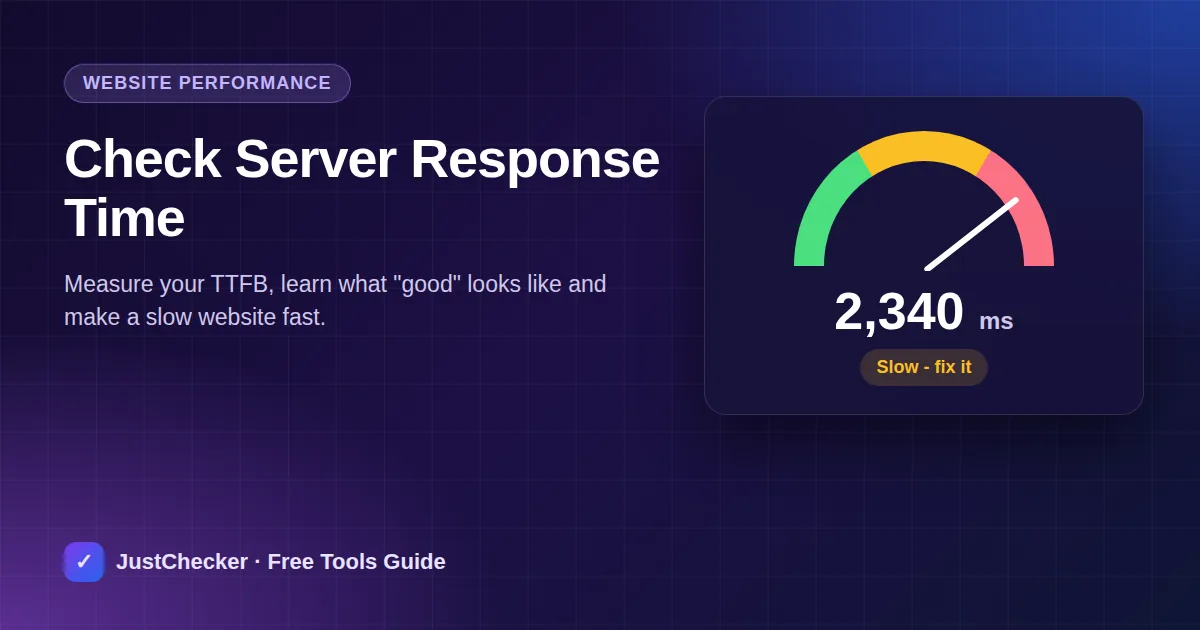
Visitors expect a page to start loading almost instantly. If your server takes a second or two just to respond, every page on your site feels slow - and Google's Core Web Vitals notice too. The starting point for fixing speed is measuring server response time. Here's how to test it and bring it down.
What is server response time?
Server response time is how long it takes from the moment a browser asks for a page until your server starts sending it back. It's often called TTFB (Time To First Byte). It includes DNS lookup, connecting, the TLS handshake and the time your server spends building the page.
Everything else - images, scripts, fonts - can only start loading after this first response, so a slow TTFB delays the entire page.
How to check your website's response time
- Open the free Response Time Checker.
- Enter your domain and click Check Speed.
- Note the time in milliseconds and run the test two or three times to get a fair average.
What is a good response time?
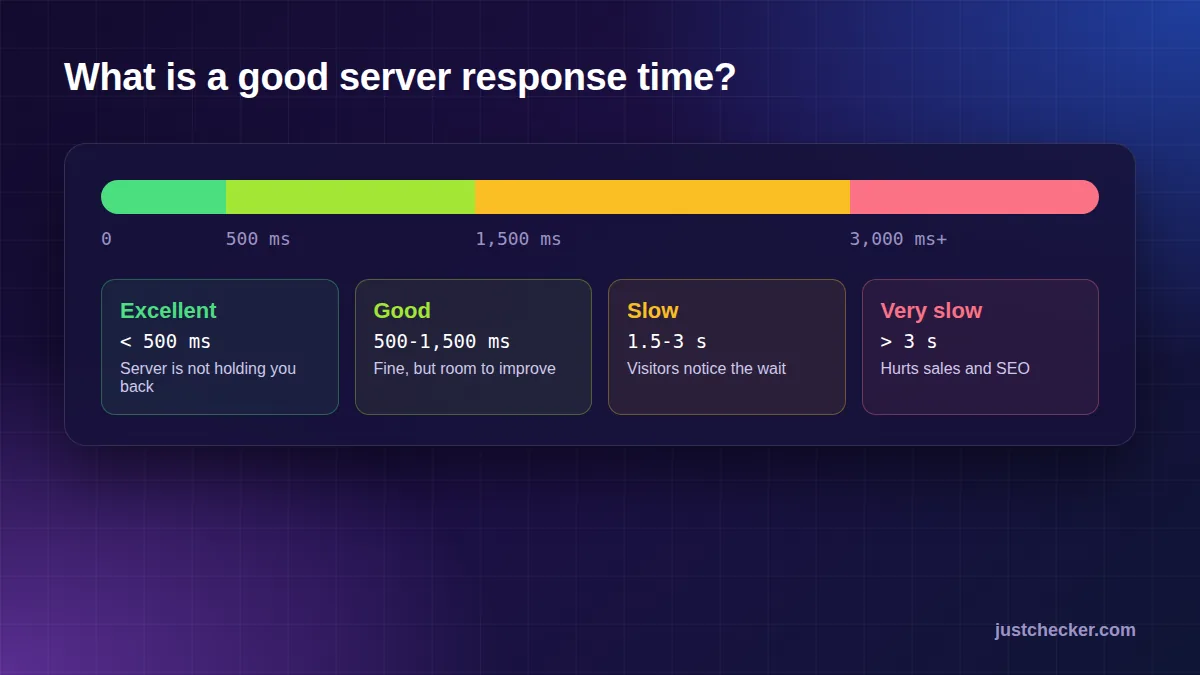
- Under 500 ms - excellent. Your server isn't holding you back.
- 500-1500 ms - acceptable, but there's room to improve.
- 1500-3000 ms - slow. Visitors will notice and some will leave.
- Over 3000 ms - very slow. This hurts conversions and SEO.
Why is my server response time slow?
- Overloaded shared hosting - hundreds of sites fighting for the same CPU.
- No page caching - the server rebuilds every page from scratch on every visit.
- Heavy plugins or slow database queries, especially on WordPress.
- Old software - outdated PHP versions are much slower than current ones.
- Distance - a server on another continent adds delay for every visitor.
8 ways to reduce server response time
1. Turn on page caching
Caching stores a ready-made copy of each page so the server can send it instantly. It's the single biggest win for most sites.
2. Use a faster web server
LiteSpeed and well-tuned Nginx servers handle far more visitors per second than older setups.
3. Upgrade PHP
Each new PHP version is noticeably faster. Most hosts let you switch in one click.
4. Enable compression
GZIP or Brotli shrinks pages before sending them. Check yours with the GZIP Compression Checker.
5. Serve over HTTP/2 or HTTP/3
Newer protocols load many files in parallel. Check yours with the HTTP Version Checker.
6. Use a CDN
A content delivery network serves your site from locations close to each visitor. See whether you already use one with CDN Detection.
7. Remove heavy plugins
Deactivate plugins one by one and re-test to find the ones that slow your server down.
8. Move to better hosting
If you've tried the rest and your TTFB is still over a second, the server itself is the bottleneck. No amount of tuning fixes an overloaded host.
- Free domain*
- Free SSL
- 99.9% uptime
- 24/7 support
Response time and SEO
Google's Largest Contentful Paint (LCP) measures how quickly the main content appears, and it can't be fast if the first byte is slow. Google recommends a TTFB of around 800 ms or less. Faster sites also get crawled more efficiently, so new pages are indexed sooner.
Frequently asked questions
Is response time the same as page load time?
No. Response time is only the first step. Full load time also includes images, CSS, JavaScript and fonts - but all of them wait for the first response.
Why do my results change between tests?
Caches warming up, traffic on the server and network routes all vary. Run a few tests and look at the average.
Can a CDN fix a slow server?
A CDN helps a lot for cached pages and files, but dynamic pages still come from your server, so the host still matters.
Conclusion
Measure your response time, aim for under 500 ms, and work through the fixes: caching, modern PHP, compression, HTTP/2 or HTTP/3 and a CDN. If your server is still slow after that, upgrade your hosting - it's the foundation everything else depends on.