Is My Domain Name Good? 10 Checks Before You Buy It
By Ashish Pratap · Oct 15, 2026 · 4 min read
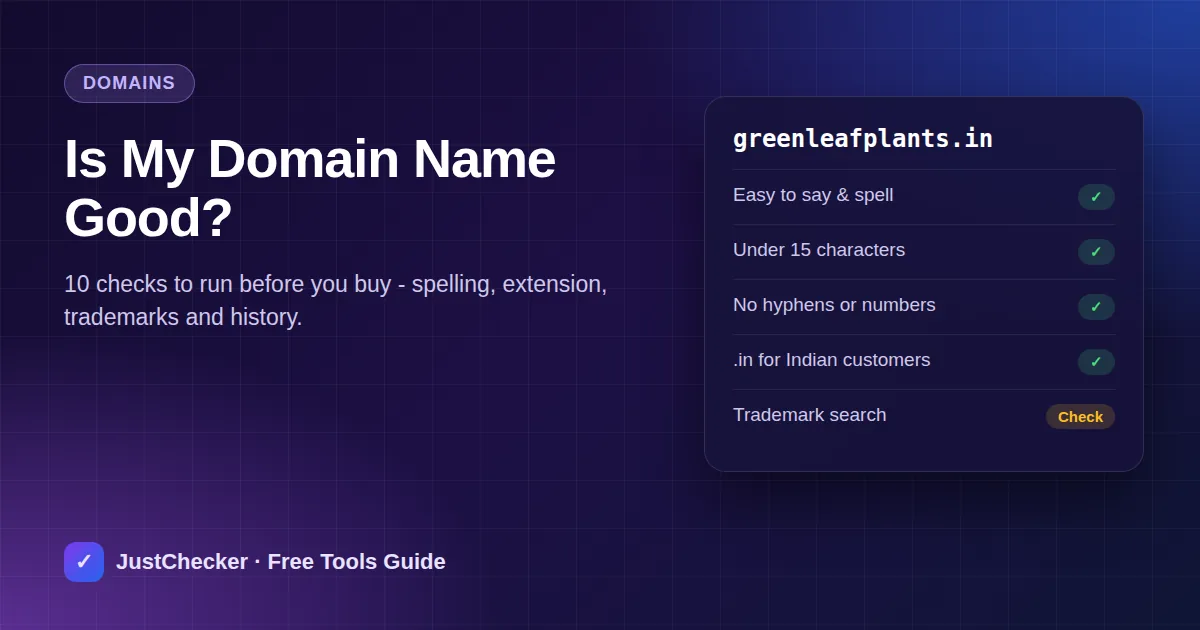
Finding an available domain feels like a win, and it is tempting to buy it on the spot. But your domain name ends up on your shop board, visiting cards, invoices and every link you share for years. Changing it later means new branding, new email addresses and starting again with search engines.
Before you pay, spend fifteen minutes on these ten checks. If your name passes most of them, buy it with confidence.
1. Is it easy to say out loud?
Tell the name to a friend over the phone and ask them to type it. If they ask "with a k or a c?", "is that one word?" or "dash or no dash?", you will be answering that question for every customer. Names that sound the way they are spelled win.
2. Is it short enough?
There is no magic number, but under about 15 characters (before the extension) is a good aim. Shorter names are easier to remember and fit better on mobile screens and printed material.
3. No hyphens or numbers if you can help it
"my-shop-online.com" and "shop4u.com" invite mistakes: people forget the hyphen or type "for" instead of "4". If the clean version is taken, try a different word rather than adding punctuation.
4. Pick the right extension
- .com - still the default worldwide, and what most people type automatically.
- .in - a strong choice if your customers are in India. It tells visitors and search engines you serve the Indian market, and short .in names are often easier to find.
- .co.in, .org, .shop, .store and others - fine for specific uses, but customers may still type .com by habit.
If you can, register both the .com and the .in and point one at the other. See what a particular extension involves with the TLD Information tool.
5. Is it actually available?
Check the exact name and its common misspellings with the Domain Availability Checker. If it is taken, the result shows when it was registered and when it expires - useful if you are considering making an offer.
Try it now: Domain Availability Checker
See whether a name is free to register - and if it is taken, who it is registered with and when it expires.
6. Is it someone else's trademark?
A name that copies or closely resembles an existing brand can cost you the domain later. Search the name on the IP India public trademark search (ipindia.gov.in), or your country's trademark office, and do a plain Google search for it too.
7. Does it have a past?
An available name may have been used before and dropped. Check its history on the Wayback Machine (web.archive.org). If it once hosted spam, adult content or a scam, you inherit that reputation. Our guide on checking a domain's age explains how to read the history. If you are buying a used domain, also run it through the Blacklist Checker.
8. Are the social media handles free?
Customers will look for you on Instagram, Facebook, YouTube and WhatsApp Business. Matching handles make you easier to find and harder to impersonate.
9. Will it still fit in five years?
"delhicakes.in" is great until you open in Gurgaon or start selling cookies. A name that is not tied to one product or one city leaves room to grow.
10. Check the renewal price, not just the first-year price
Many registrars offer the first year at a big discount, then renew at several times the price. Look up the renewal cost before you buy, and switch on auto-renew so a forgotten card never costs you the name.
- Free domain*
- Free SSL
- 99.9% uptime
- 24/7 support
How the deal works
The button opens Hostinger with our referral link. Pick any plan and check out - the 20% discount is applied automatically. You pay nothing extra; we may earn a small commission that keeps JustChecker's tools free.
Frequently asked questions
Does having a keyword in my domain help SEO?
Only a little. Google ranks pages on their content and links, not on keywords in the domain. A memorable brand name usually beats a long keyword-stuffed one.
Should I buy misspellings of my domain?
For a business that will advertise widely, buying one or two obvious misspellings and redirecting them is cheap protection. For a small local business it is optional.
Is a .in domain bad for customers outside India?
Not at all, but it signals an Indian business. If most of your customers will be abroad, a .com is the safer default.