Who Hosts This Website? How to Find Any Site's Hosting Company
By Ashish Pratap · Oct 28, 2026 · 4 min read
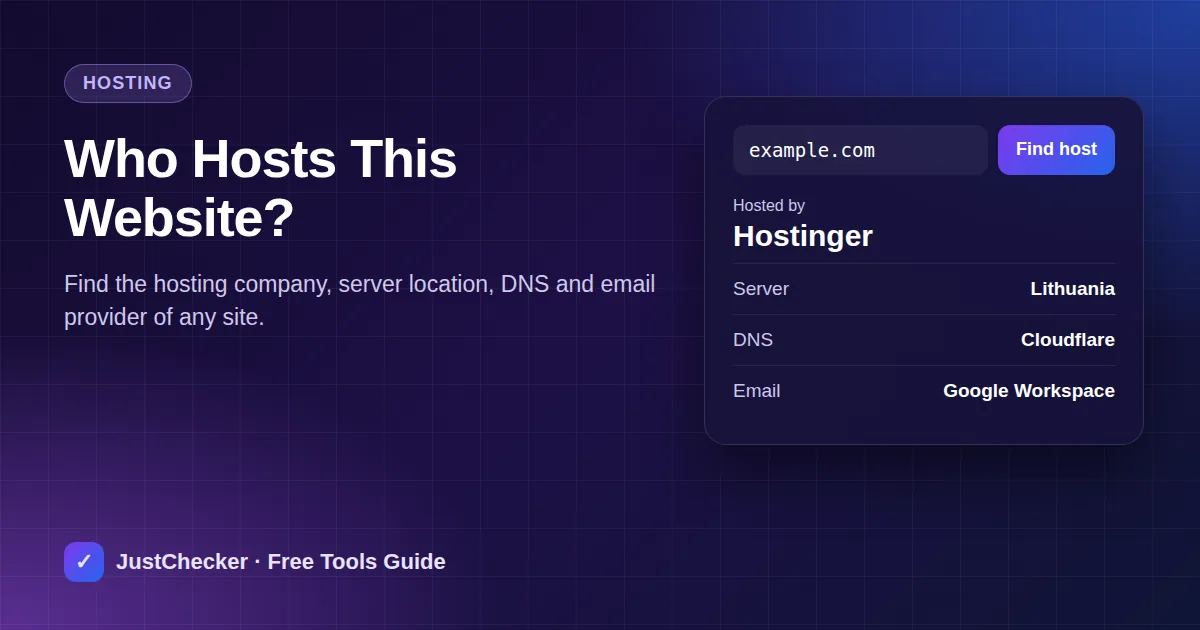
There are plenty of good reasons to ask who hosts a website. You might have inherited a site and need to know where its files live. You might be comparing hosting before you buy and want to see what successful sites in your industry use. Or you might need to report a fake shop to the company running its server.
Every website has to run on a server somewhere, and that server leaves clues. Here is how to follow them.
How hosting lookups work
When you type a domain, DNS turns it into an IP address - the address of the server. Every IP address belongs to a block registered to an organisation with a regional internet registry. For a website, that organisation is usually the hosting company, or the cloud platform the hosting company rents from (such as AWS, Google Cloud or DigitalOcean).
The server's reverse DNS name often confirms it - a name ending in something like a host's own domain is a strong hint.
The quick way
JustChecker's free Who Is Hosting tool does all of this in one step. Enter the domain and you get:
- The hosting company and the server's country
- The server IP address and reverse DNS name
- Who manages the domain's DNS
- Which service handles its email (Google Workspace, Microsoft 365, Zoho and others)
Try it now: Who Is Hosting This Website
Enter a website address to see its hosting company, server location, DNS provider and email provider.
When the answer says "Cloudflare"
Many sites sit behind a CDN or security proxy such as Cloudflare. Visitors connect to the CDN, which fetches the page from the real server in the background. From the outside you only see the CDN's IP address, so the real host is hidden - by design. The DNS and email providers shown are still accurate, and they are often enough to work out who built or runs the site.
If you need the real host to report abuse, report it to Cloudflare through its abuse form; it forwards reports to the hosting provider.
Practical uses
Taking over or moving a website
If you know the host, you know where to ask for access or backups. Combine this with the Registrar Lookup to find where the domain itself is registered - often a different company. Our guide on finding where a domain is registered covers getting access back.
Reporting a scam or phishing site
Hosting companies take abuse reports seriously. Find the host, then look for an "abuse" or "report" page on its website. Include the full URL and a short description. In India, also report fraud on cybercrime.gov.in or by calling 1930.
Researching hosts before you buy
Look up a few fast, well-run websites in your field. If several use the same host, that tells you something - though plan, configuration and caching matter as much as the company.
Checking your own site after a migration
After moving hosts, the lookup confirms the domain really points at the new server. If it still shows the old host, your DNS change has not taken effect yet - check propagation with the DNS Propagation Checker.
What a hosting lookup cannot tell you
- Which plan the site is on, or what it pays.
- The real host behind a CDN.
- Reseller brands - many small hosting companies rent servers from bigger providers, so the lookup shows the bigger company.
- Free domain*
- Free SSL
- 99.9% uptime
- 24/7 support
How the deal works
The button opens Hostinger with our referral link. Pick any plan and check out - the 20% discount is applied automatically. You pay nothing extra; we may earn a small commission that keeps JustChecker's tools free.
Frequently asked questions
Is it legal to look up who hosts a website?
Yes. IP ownership and DNS records are public information that every browser uses to load a website.
Why does a site show a hosting company in another country?
Servers are often placed where they are cheapest or closest to the main audience, or on a global cloud. The server location is not necessarily where the business is.
Can a website change its host without me noticing?
Yes - the domain stays the same and only the IP address changes. JustChecker monitoring alerts you when a site's DNS records change.